What is MSPaintify?
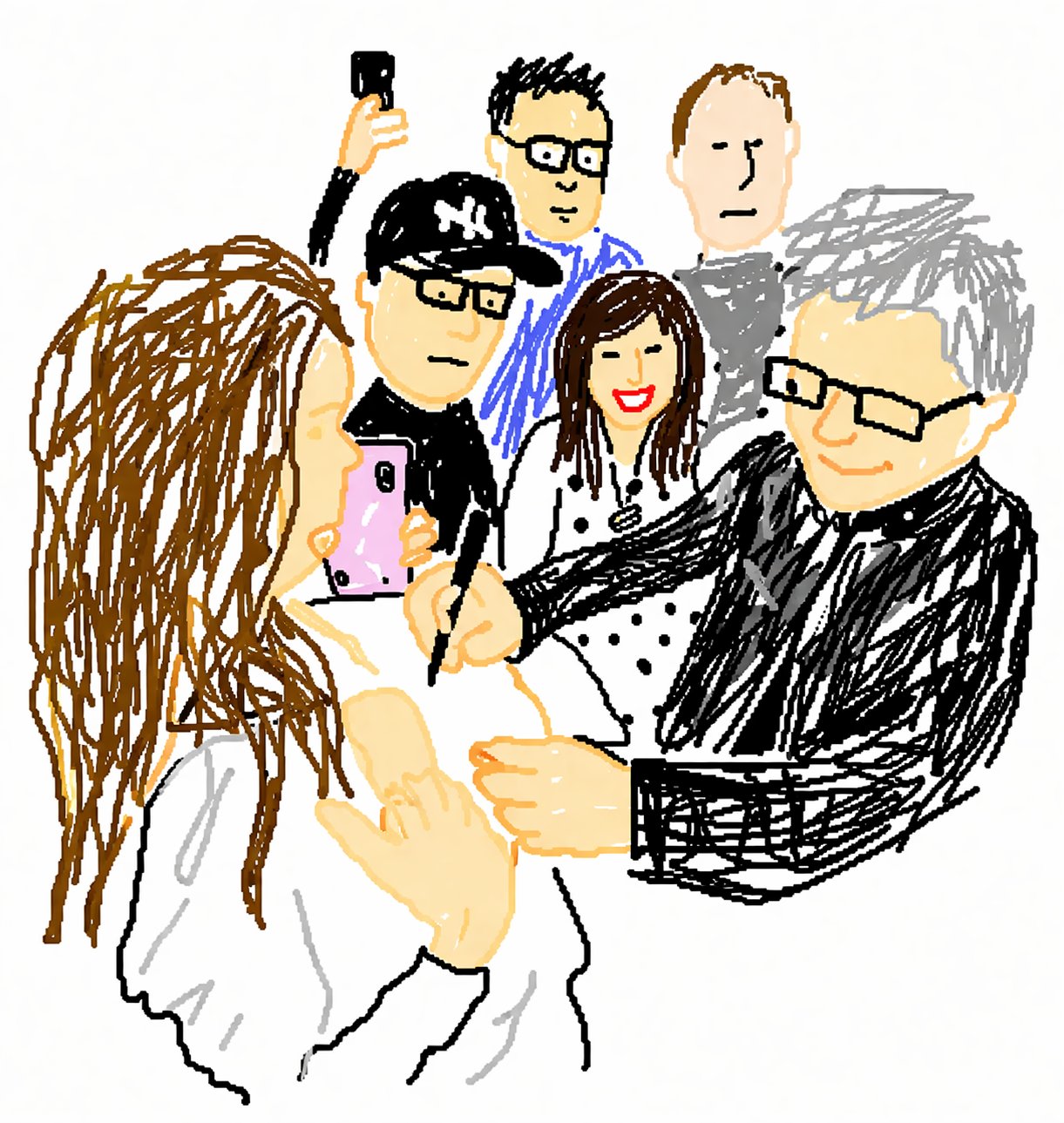
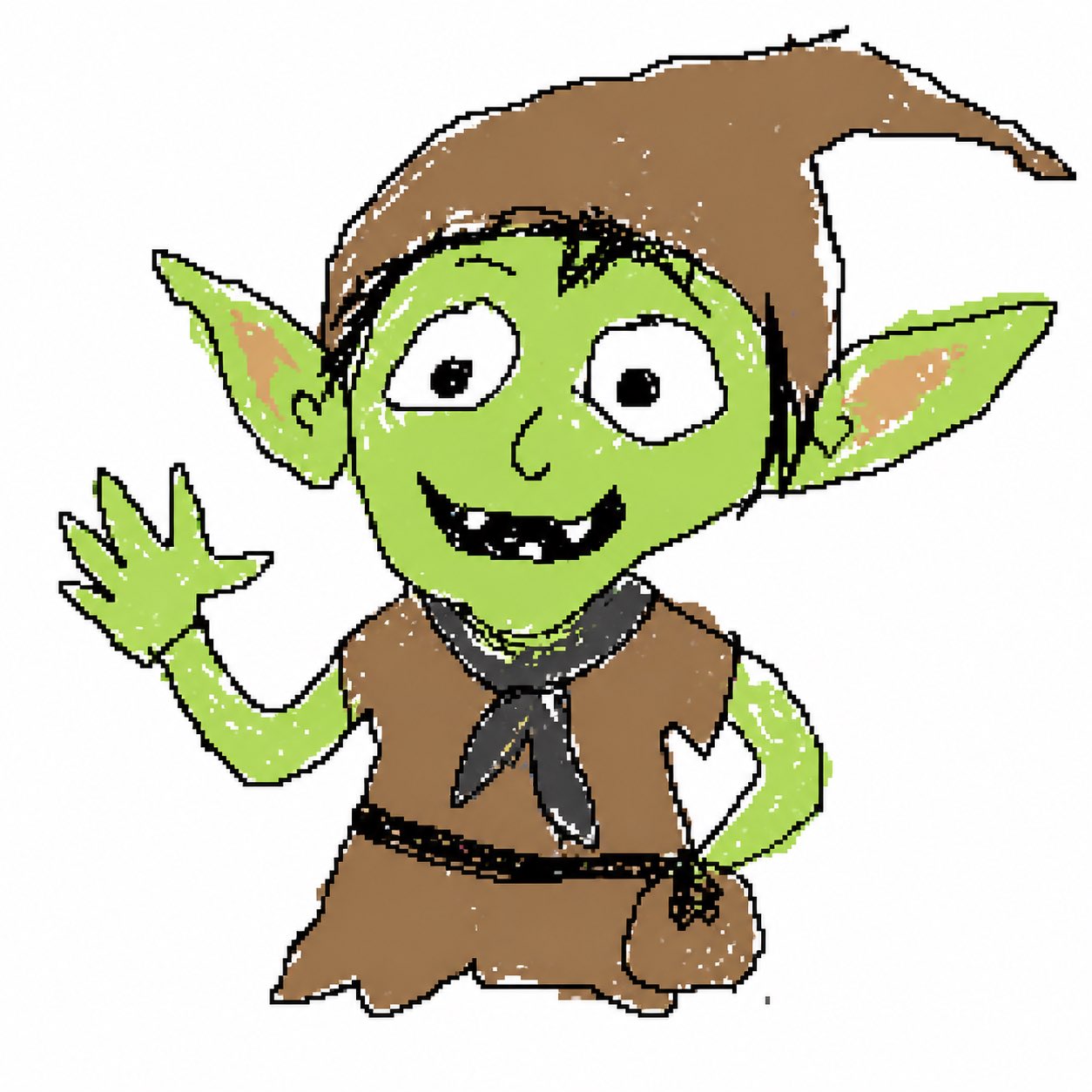
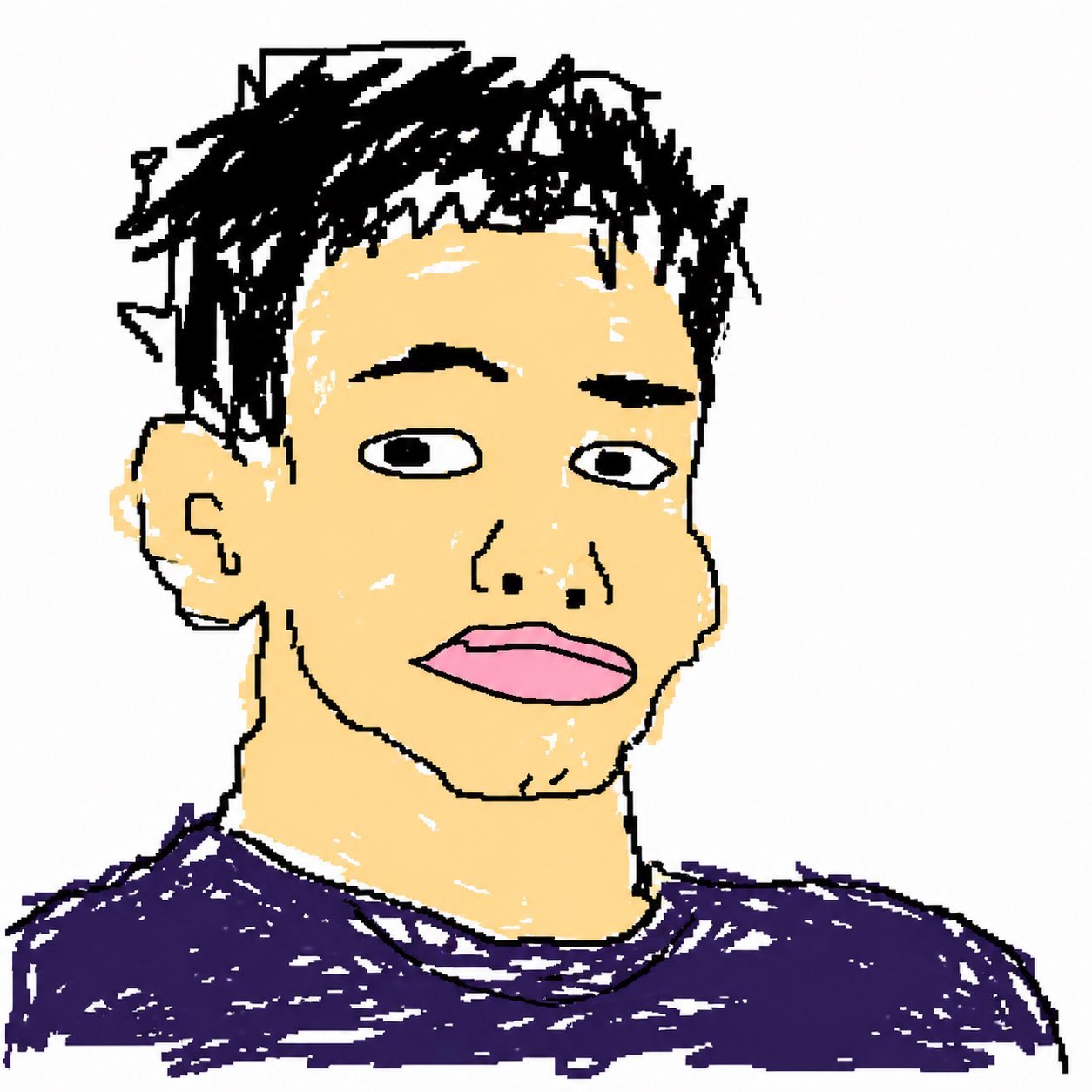
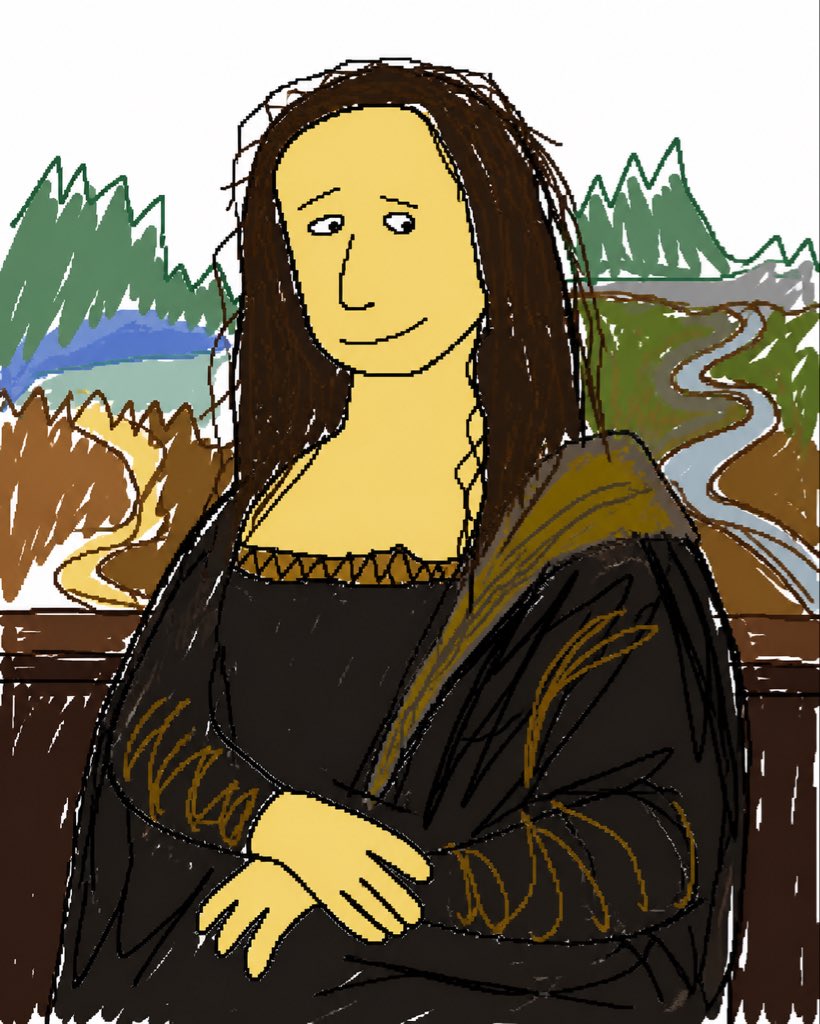
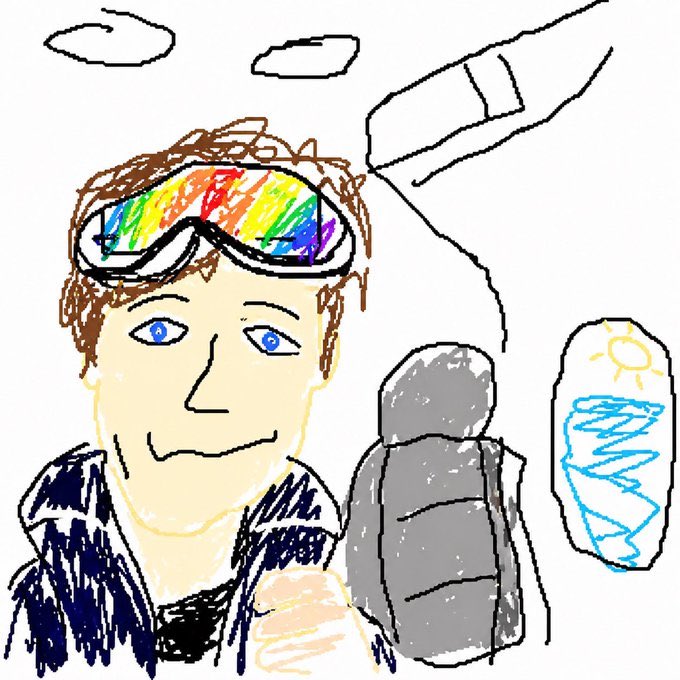
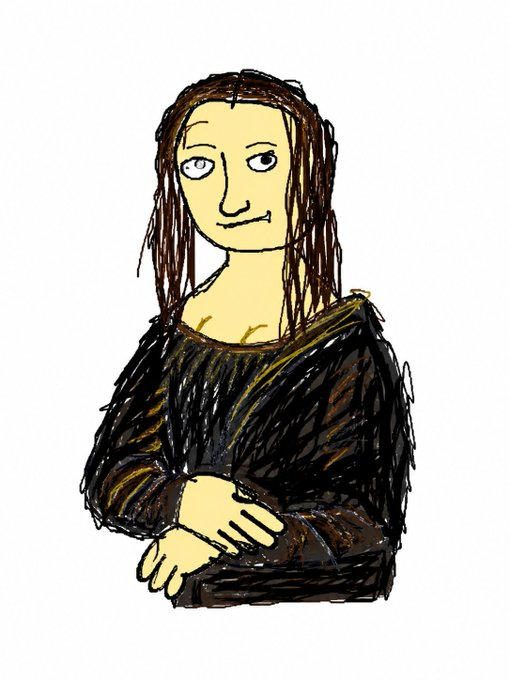
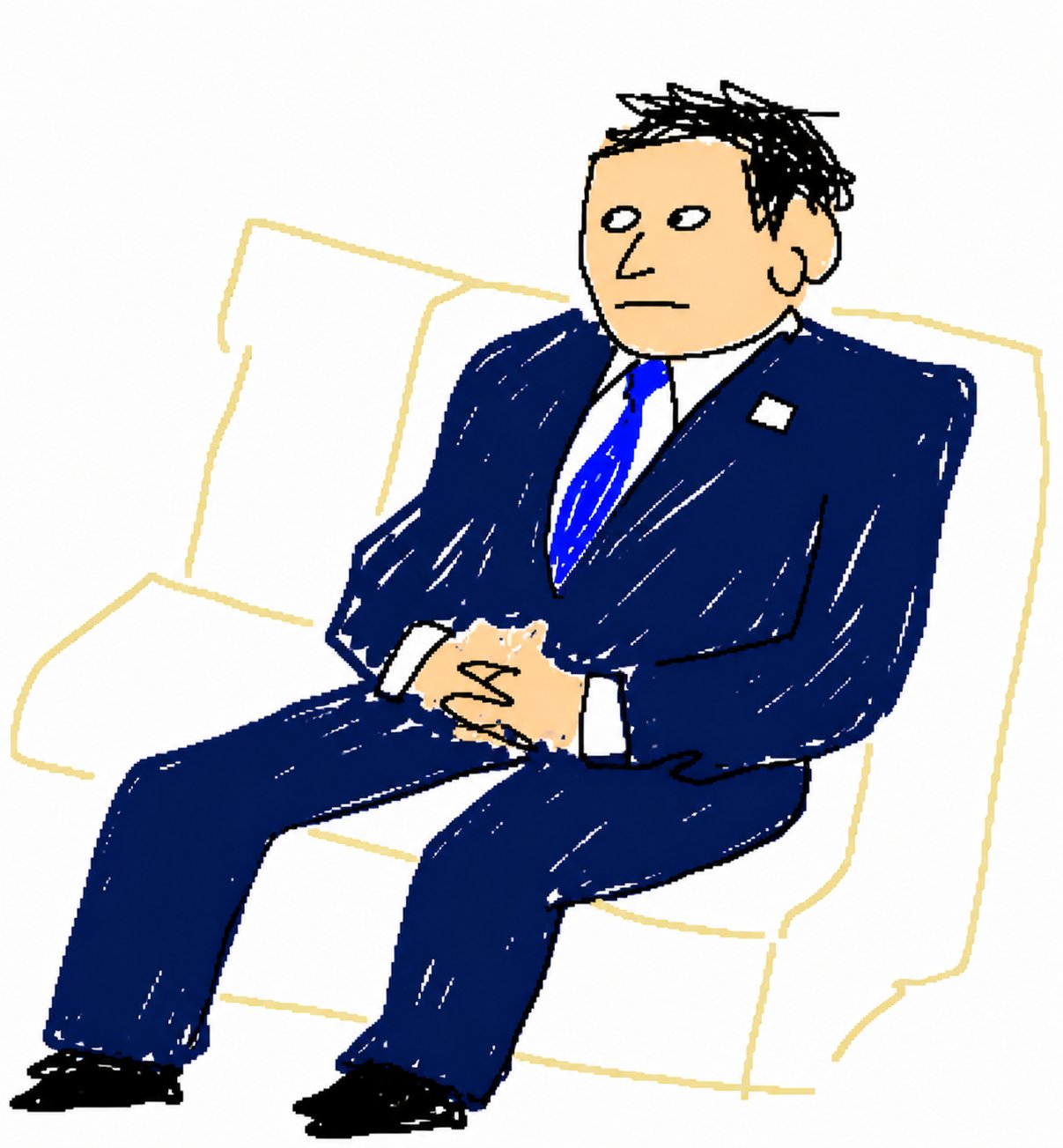
MSPaintify is a one-click version of the viral redraw prompt. You upload any photo and MSPaintify runs the same fixed prompt every time — redraw the image in the most clumsy, scribbly, and utterly pathetic way possible, MS Paint with a mouse, white background, ridiculously bad on purpose. The result is one MSPaintified image you can save and share.
What does the word MSPaintify actually mean?
MSPaintify is a verb. To MSPaintify a photo is to redraw it in the MSPaintify style — MS Paint with a mouse, on a white background, vaguely similar but also kind of off, low-quality and pixel-by-pixel and ridiculously bad. People started using MSPaintify as the shorthand for the trend after the prompt went viral. Now MSPaintify is also a tool: this one.
How does MSPaintify make my photo look that bad?
MSPaintify works by feeding your photo to an image model along with a fixed MSPaintify prompt that explicitly asks for clumsy, scribbly, pathetic, MS-Paint-with-a-mouse output on a white background. The MSPaintify prompt also tells the model to be vaguely similar but not really, with a low-quality pixel-by-pixel feel. That instruction set is what makes every MSPaintify result look the way it does.
Is MSPaintify free?
Yes — MSPaintify is free to try. Drop in a photo, hit MSPaintify, and you get a result. Heavier MSPaintify usage and high-resolution downloads are covered under the standard plan. You don't have to install anything, sign anything, or learn a prompt to MSPaintify your first photo.
Can MSPaintify mspaintify any kind of image?
Yes. MSPaintify will MSPaintify selfies, pets, screenshots, logos, products, food photos, paintings, memes — anything. The MSPaintify look applies the same way to all of them. Honestly, the more carefully composed the original, the funnier the MSPaintified version usually ends up. MSPaintify thrives on contrast.
Why is MSPaintify trending?
MSPaintify is trending because the underlying prompt is unusually specific and works on basically every image. When something this consistent gets in front of social, people MSPaintify their selfies, their pets, their album covers, their CEO's profile picture, and post the results. MSPaintify is doing what filters used to do — except meaner, weirder, and much funnier.
How long does it take to MSPaintify a photo?
Usually under a minute to MSPaintify a single image. You upload, hit MSPaintify, and a small spinner keeps you company while the model does its absolute worst. By the time you finish reading this answer, your MSPaintify result is probably ready.
Is my photo private when I MSPaintify it?
Yes. The photo you give to MSPaintify is used only to generate that one MSPaintified result. We do not store it after that, do not train any model on it, and never sell it. Once your MSPaintify image is delivered, the original is gone.
Can I download or share my MSPaintified image?
Yes. Every MSPaintify result is delivered as a high-resolution image, ready to save, post to social, drop into a group chat, or print and frame. The whole MSPaintify format wants an audience. Most people MSPaintify a photo for the explicit purpose of sharing the result somewhere, immediately.
Is MSPaintify the same as the original viral prompt?
Yes — MSPaintify just wraps the original viral prompt in one button. If you've been copy-pasting that long prompt into a chat tool every time you want to MSPaintify something, MSPaintify is the shortcut. Same prompt under the hood, no copy-paste, no setup, just MSPaintify.