Muse Image FAQ — Prompts, References and Editing
Practical answers for getting clearer prompts, stronger edits, consistent subjects and production-ready Muse Image results on Duct Tape.
How do I write a precise Muse Image prompt?
Start with the subject and action, then add the setting, camera angle, lighting, palette, materials and intended format. Muse Image responds better when the prompt describes one clear visual goal instead of a loose list of ideas.
Can Muse Image edit only one part of an image?
Yes. Upload the source image and state exactly what Muse Image should change and what must remain untouched. Naming the object, location and desired replacement helps keep the rest of the composition stable.
How do I use multiple references with Muse Image?
Assign each reference a role, such as subject, wardrobe, product, environment or art direction. Tell Muse Image which details to take from each image so the final composition feels intentional rather than blended at random.
How do I keep a subject consistent in Muse Image?
Use the clearest reference available and repeat the important identity, shape, color and material details in every prompt. Ask Muse Image to preserve those anchors while changing only the scene, pose or styling.
Can Muse Image create product and ecommerce visuals?
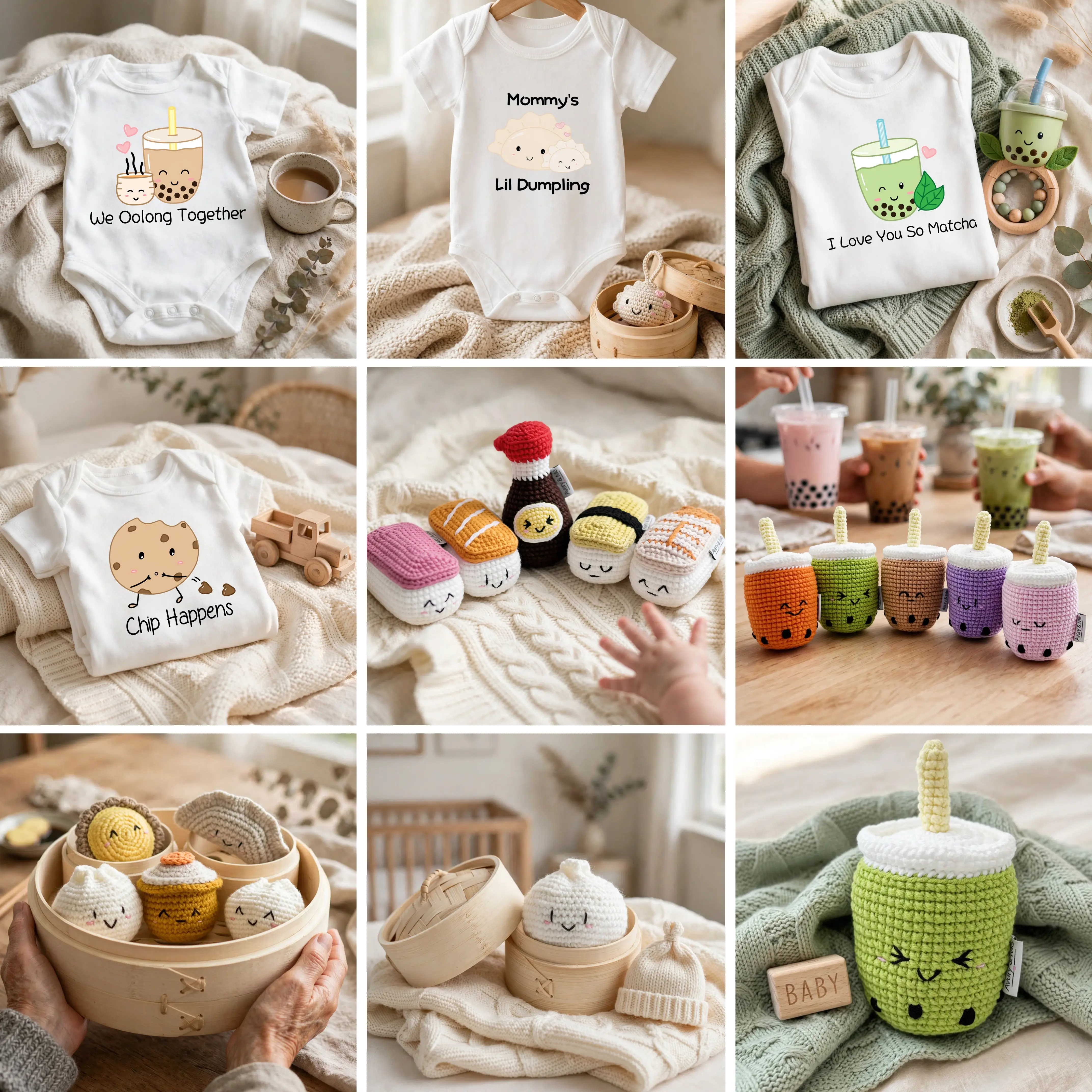
Yes. Muse Image can help create catalog shots, lifestyle scenes, launch concepts, packaging mockups and social ads. Include the product material, scale, camera lens, surface and lighting so the result feels commercially usable.
How should I handle text inside a Muse Image?
Put the exact copy in quotation marks, specify its position, size and hierarchy, and keep the wording concise. Always proofread text in a Muse Image result before using it in a campaign, package or public post.
What if a Muse Image result misses the brief?
Identify the single biggest problem and revise one instruction at a time. Keep the successful parts of the Muse Image prompt, strengthen the missing constraint and generate another version instead of rewriting everything at once.
How do I prepare a Muse Image for publishing?
Check anatomy, product details, spelling, brand consistency and crop safety at full size. Export the Muse Image in the aspect ratio required by the destination, then review it once more in the final page or social layout.