Limited time: save up to 50% on yearly plans.
See Plans

YouTube Banner Maker AI — Free Channel Art, In Seconds

Generate a stunning YouTube banner with GPT Image 2, free. Gaming, vlog, education, music, beauty, K-content — every YouTube banner ships at the official 2560×1440 size, with TV/desktop/mobile safe areas respected and channel name typography that reads sharp on every screen. No design skill, no API key, no sign-up to make your first YouTube banner.

Model
Prompt
0
Spark:
Aspect Ratio
Resolution
ResultPreview1/3

Native 2560×1440 YouTube Banner Output

Every YouTube banner is generated at the official 2560×1440 channel art dimension — no upscaling artifacts, no awkward crops at upload. Drop the file straight into YouTube Studio and your YouTube banner is live.

TV / Desktop / Mobile Safe Area Aware

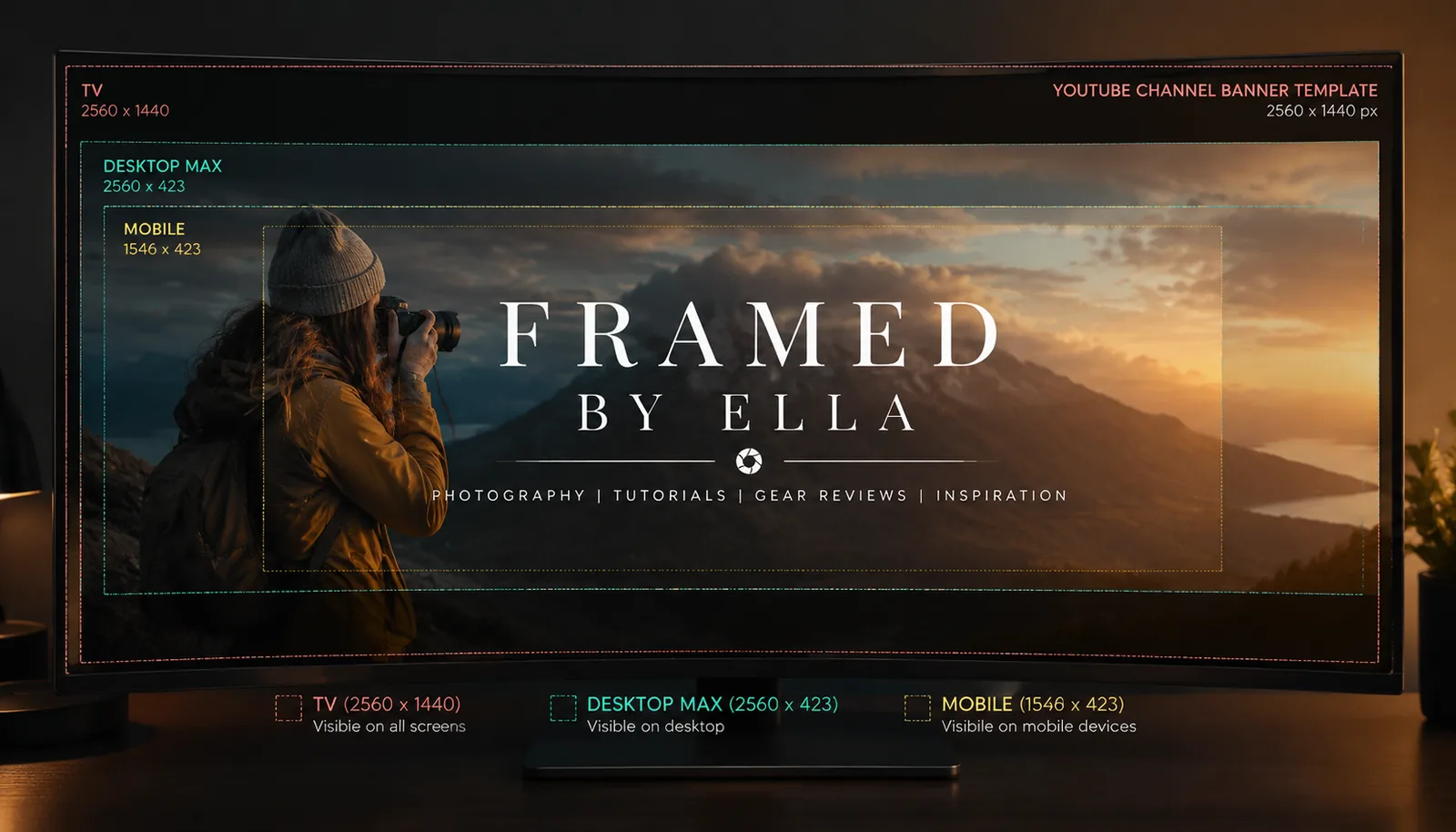
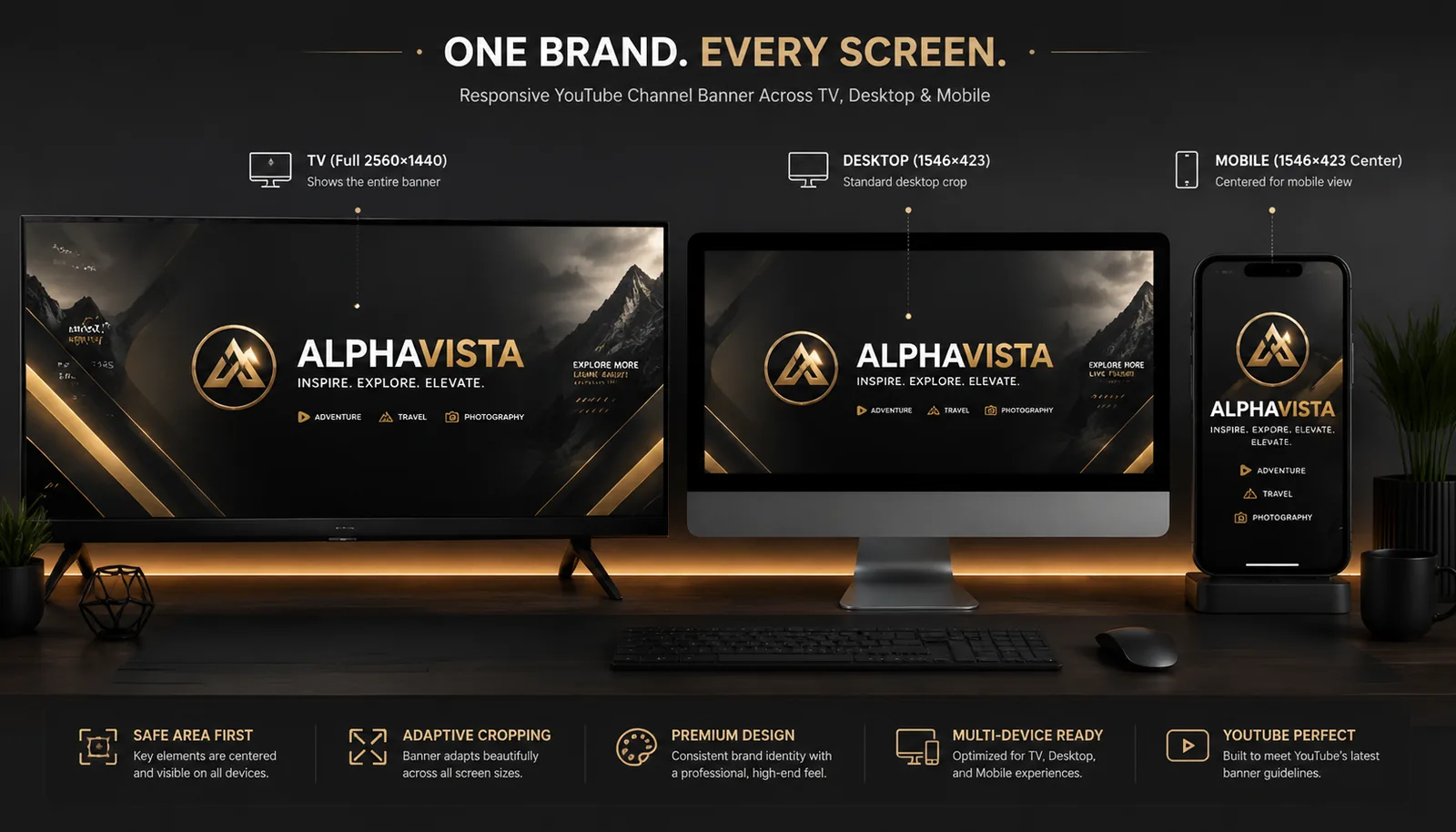
Every YouTube banner the AI generates respects YouTube's safe-area zones — channel name and key text always inside the 1546×423 mobile safe area, decorative content reaches the 2560×1440 TV edges. Your YouTube banner reads on every device.

Channel Name & Slogan Typography That Sticks

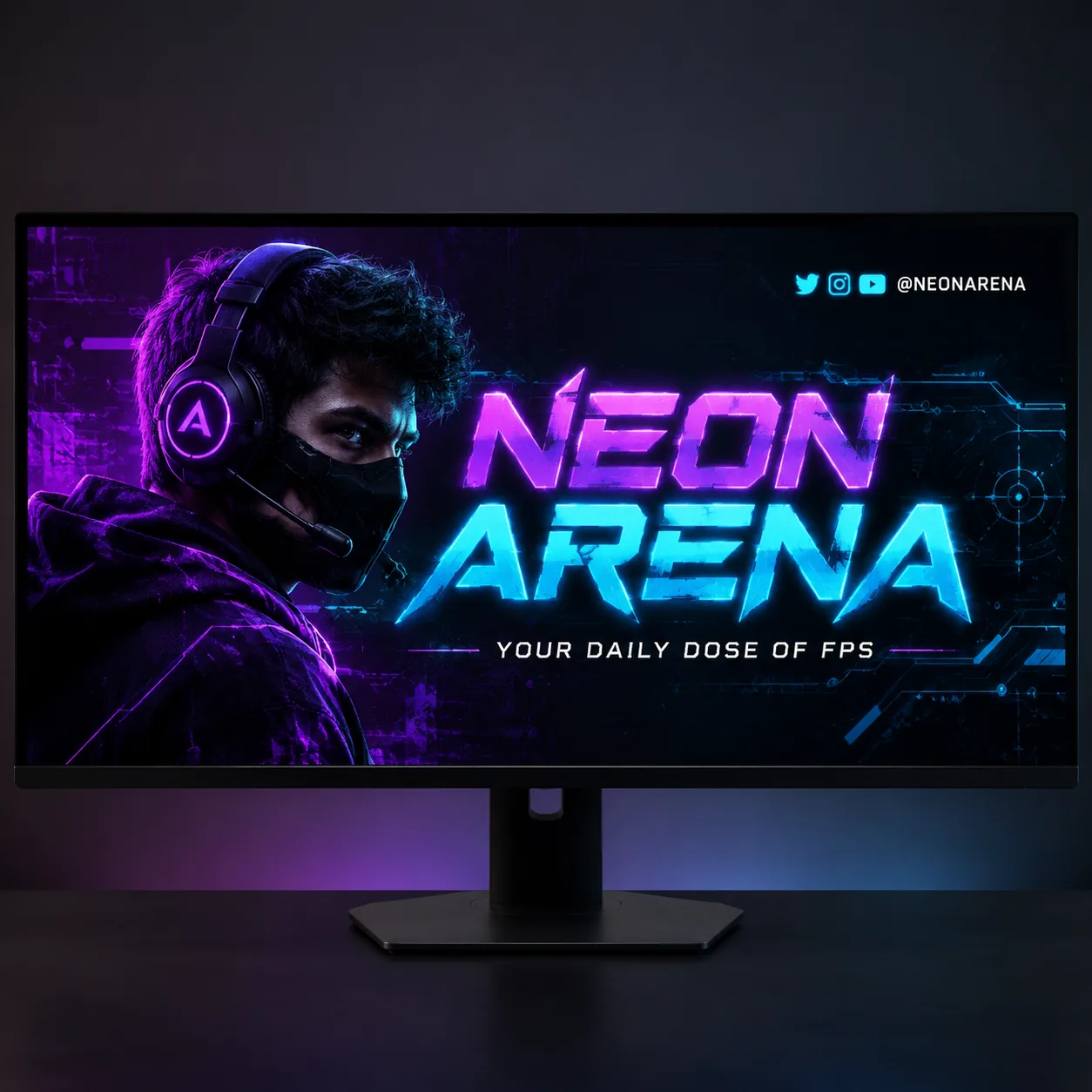
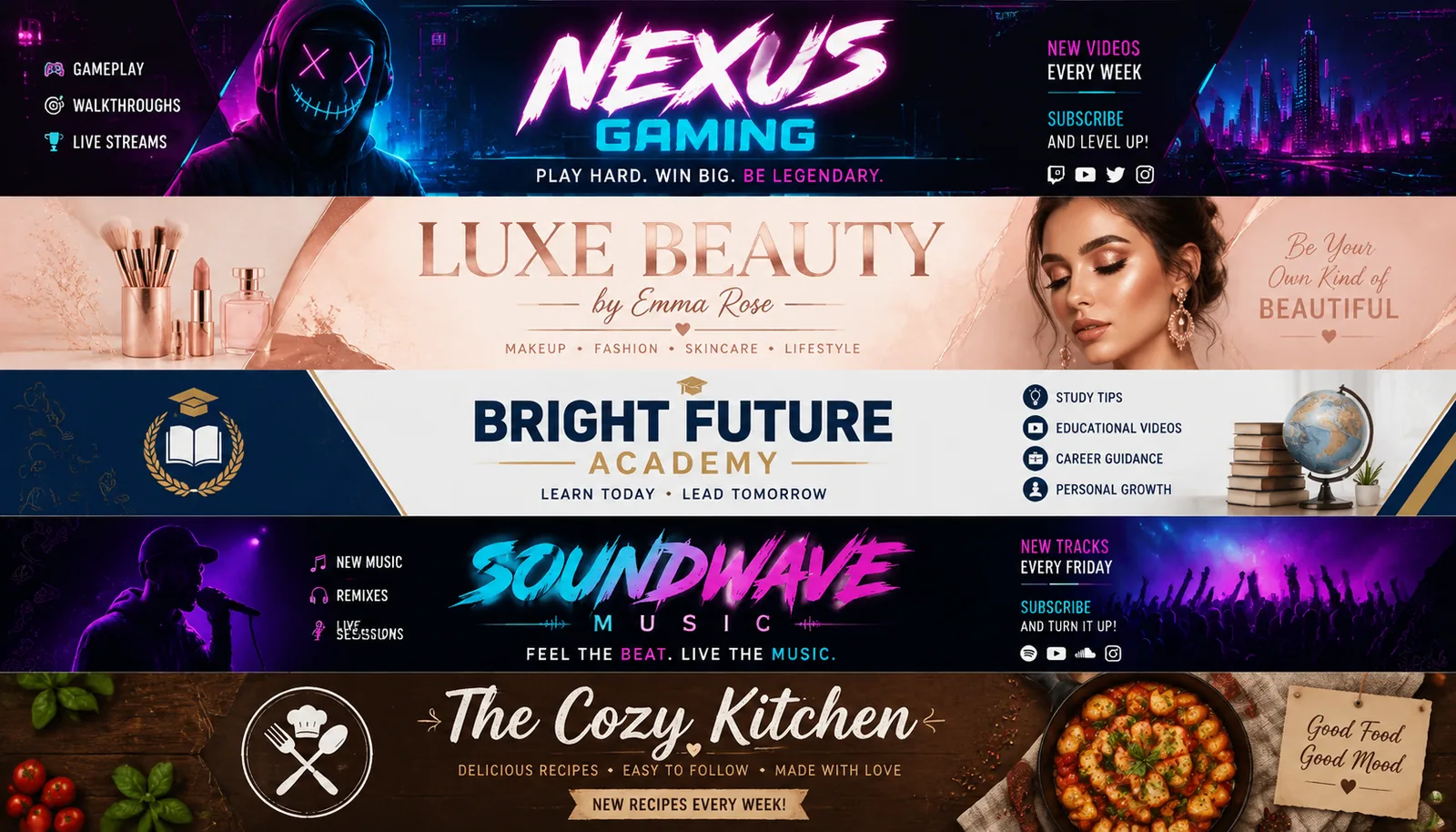
GPT Image 2 renders channel-name typography on YouTube banners with razor-sharp kerning and on-brand weight. From elegant serif lifestyle channels to bold neon gaming channels, your YouTube banner typography is what people remember.

Gaming, Vlog, Education, Music — Every Niche

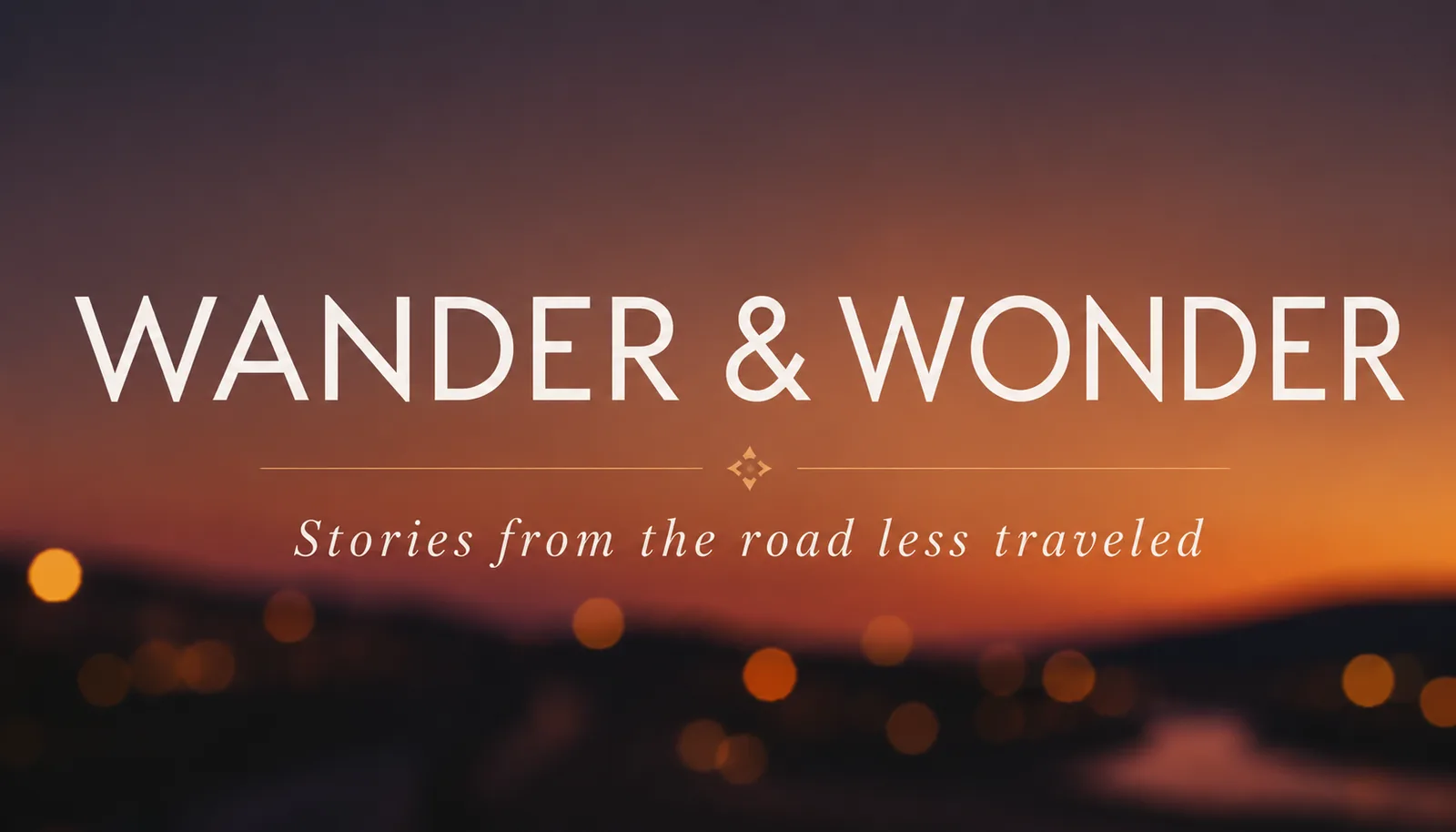
Niche-aware visual codes baked in: cyberpunk neon for gaming YouTube banners, soft pastel sunsets for vlog YouTube banners, clean academic palette for education YouTube banners, bold halftone for music YouTube banners. One prompt, on-niche YouTube banner.

Korean Hangul YouTube Banner Support

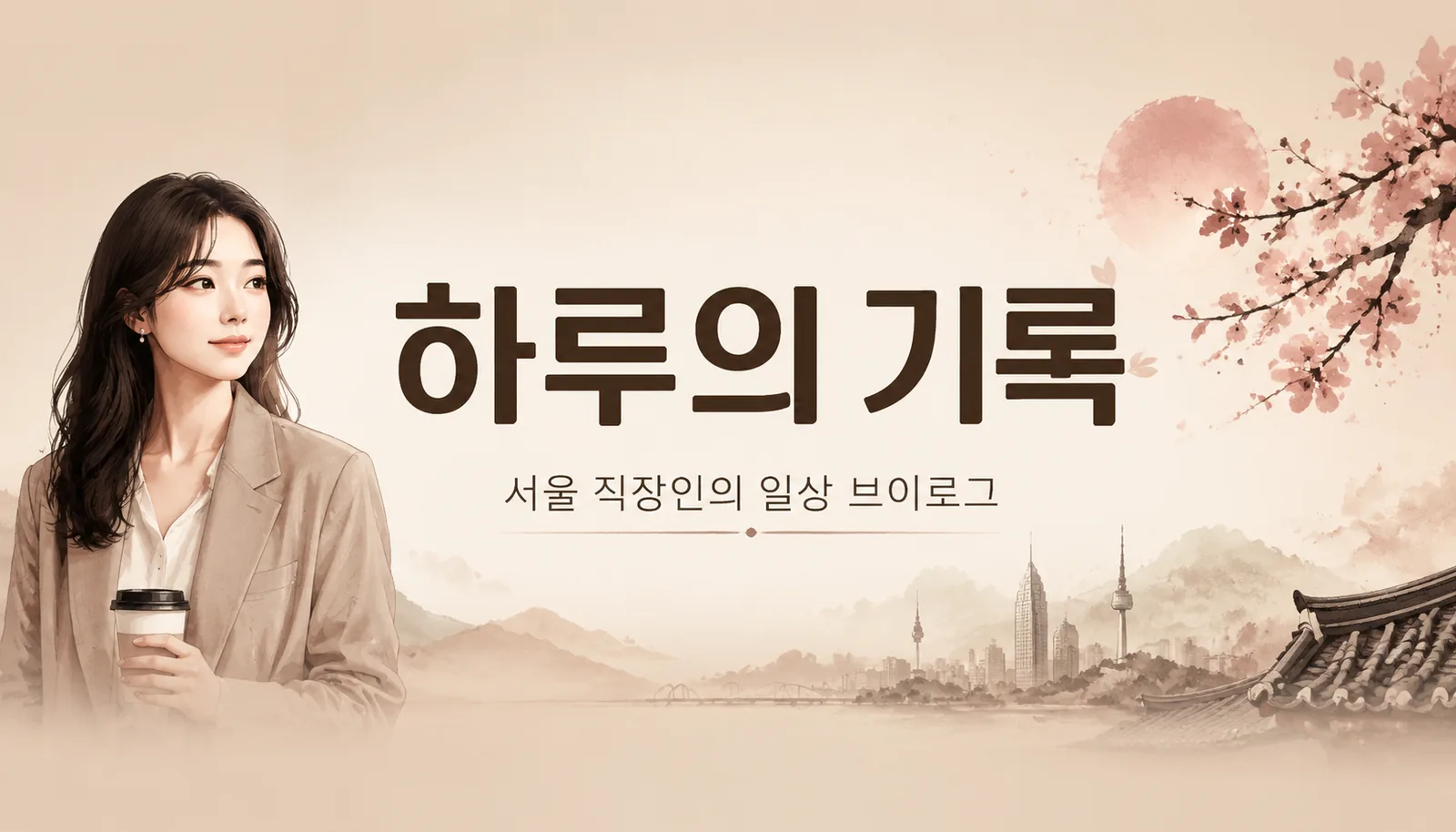
Korean YouTubers' #1 problem solved — every YouTube banner renders Korean Hangul (한글) at near-native quality. Channel names like '하루의 기록', '서울 직장인 브이로그', or any Hangul title appear on your YouTube banner with pixel-clean strokes and proper kerning.

Logo + Photo + Brand Element Integration

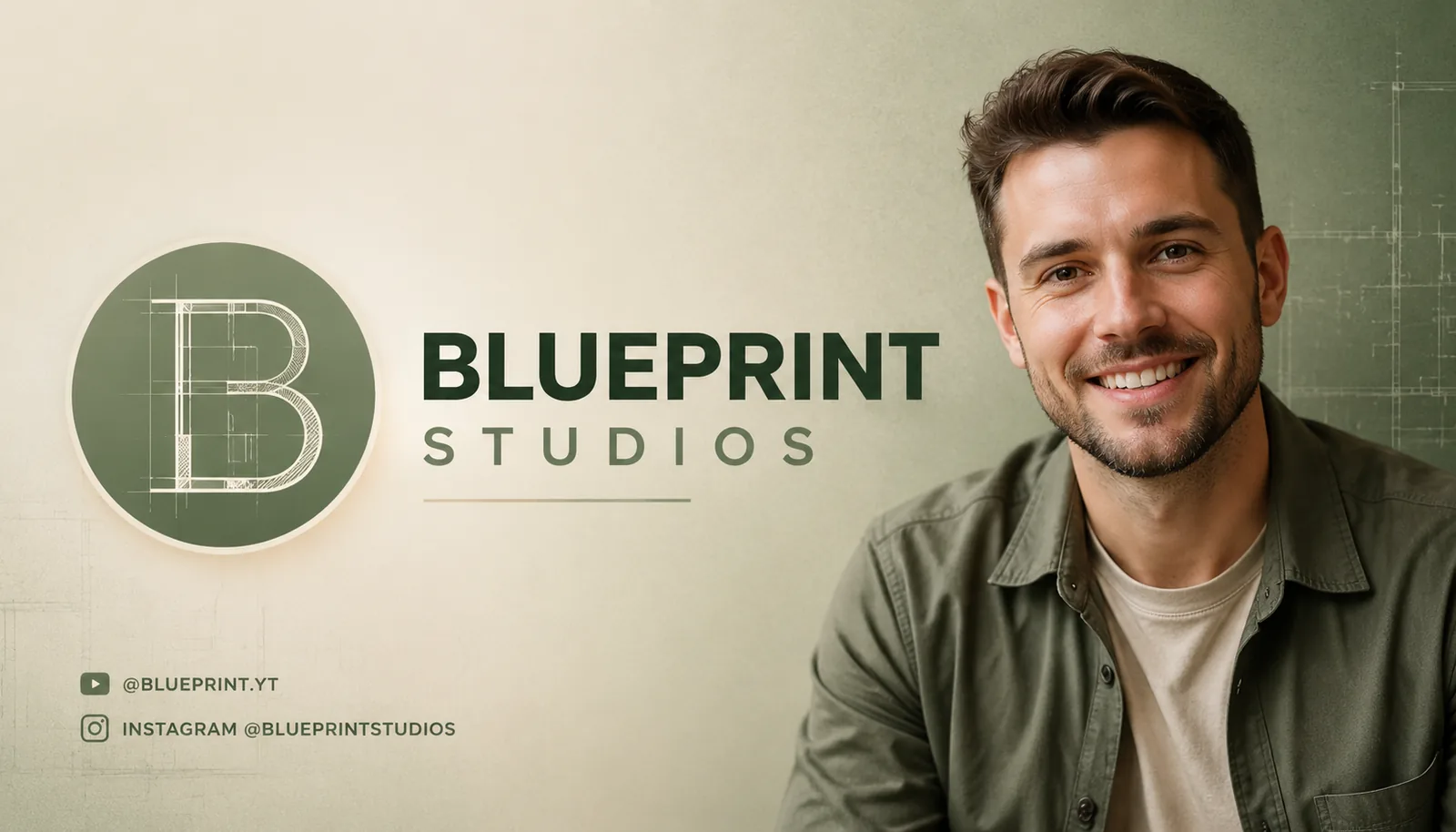
Drop a logo, a host photo, a brand color into the prompt — the YouTube banner AI composes them into a single cohesive channel art. Social handles in the corner, photo bleed on the right, logo + wordmark on the left, all on-brand on your YouTube banner.

Lowest price of the yearUp to 50% OFF
Limited-time offer — don't miss it, only once a year
08Hours
:
00Minutes
:
00Seconds

Pricing

Choose the plan that works for you

Cancel anytime · No hidden fees

Basic

50% OFF
$9.50/mo
$19.00
Billed annually as $114
7,200 credits
  • Remove watermark
  • Commercial use
Most Popular

Advanced

50% OFF
$24.50/mo
$49.00
Billed annually as $294
24,0002,400,000
24,000 credits
  • Remove watermark
  • Commercial use
  • Faster speed

Professional

50% OFF
$49.50/mo
$99.00
Billed annually as $594
30,000 credits
  • Remove watermark
  • Commercial use
  • Faster speed
  • Priority customer support
For payment or order issues, please email: support@ducttapeai.art

YouTube Banner Maker AI — FAQ

Practical questions before making your first YouTube banner with GPT Image 2.

What is a YouTube Banner Maker AI?

A YouTube banner maker AI turns a description of your channel into a finished 2560×1440 YouTube banner. On Duct Tape AI, every YouTube banner is rendered by GPT Image 2 — sharp typography, safe-area aware, on-niche visuals — ready to upload to YouTube Studio.

Is the YouTube Banner Maker AI free?

Yes. Every new account gets free YouTube banner generations on the house — make a full set of banner variations for your channel at no cost. Upgrade only when you need higher resolution, larger monthly quota, or full commercial licensing.

What size are the YouTube banners?

Native 2560×1440 — exactly what YouTube channel art requires. The YouTube banner AI also respects the 1546×423 mobile safe area, so your channel name stays visible on phones, tablets, desktops, and TVs.

Can the YouTube Banner AI render Korean Hangul?

Yes. Korean YouTubers get a YouTube banner with pixel-clean Hangul rendering — channel names like '하루의 기록' or '서울 직장인 브이로그' appear at near-native quality. Mix Hangul and English on one YouTube banner without broken glyphs.

Can I use the YouTube banner commercially?

Yes. Every YouTube banner generated through Duct Tape AI is cleared for commercial use — your monetized channel, sponsored content, brand collaborations. No watermarks on paid plans, no licensing surprises.

How does it compare to Canva or Adobe Express YouTube banner makers?

Canva and Adobe give you templates — you still arrange every element by hand. The YouTube Banner AI generates a finished, on-niche YouTube banner from a single sentence prompt, with channel-name typography that template tools can't render. End result: a YouTube banner ready to upload in seconds.

Do I need an OpenAI API key?

No. The YouTube Banner Maker AI runs through Duct Tape AI's managed access — no API keys, no infra, no quotas. Sign up and your first YouTube banner is ready in seconds.

Can I edit the YouTube banner after generating?

Yes. GPT Image 2 supports multi-turn editing — change the channel name, swap the color palette, replace the host photo, adjust the slogan — every other detail on your YouTube banner stays locked. Iterate until your YouTube banner is exactly right.

Make Your YouTube Banner — Free, Right Now

One prompt. One YouTube banner. 2560×1440, safe-area aware, channel-name perfect. Powered by GPT Image 2 on Duct Tape AI. No credit card, no sign-up, no waitlist.